 MergenHub
 The alarm module implements the ISA-18.2 lifecycle (active → acknowledged → cleared), evaluates conditions on live tags, notifies people by e-mail and SMS, keeps history, and publishes alarms to OPC UA clients.
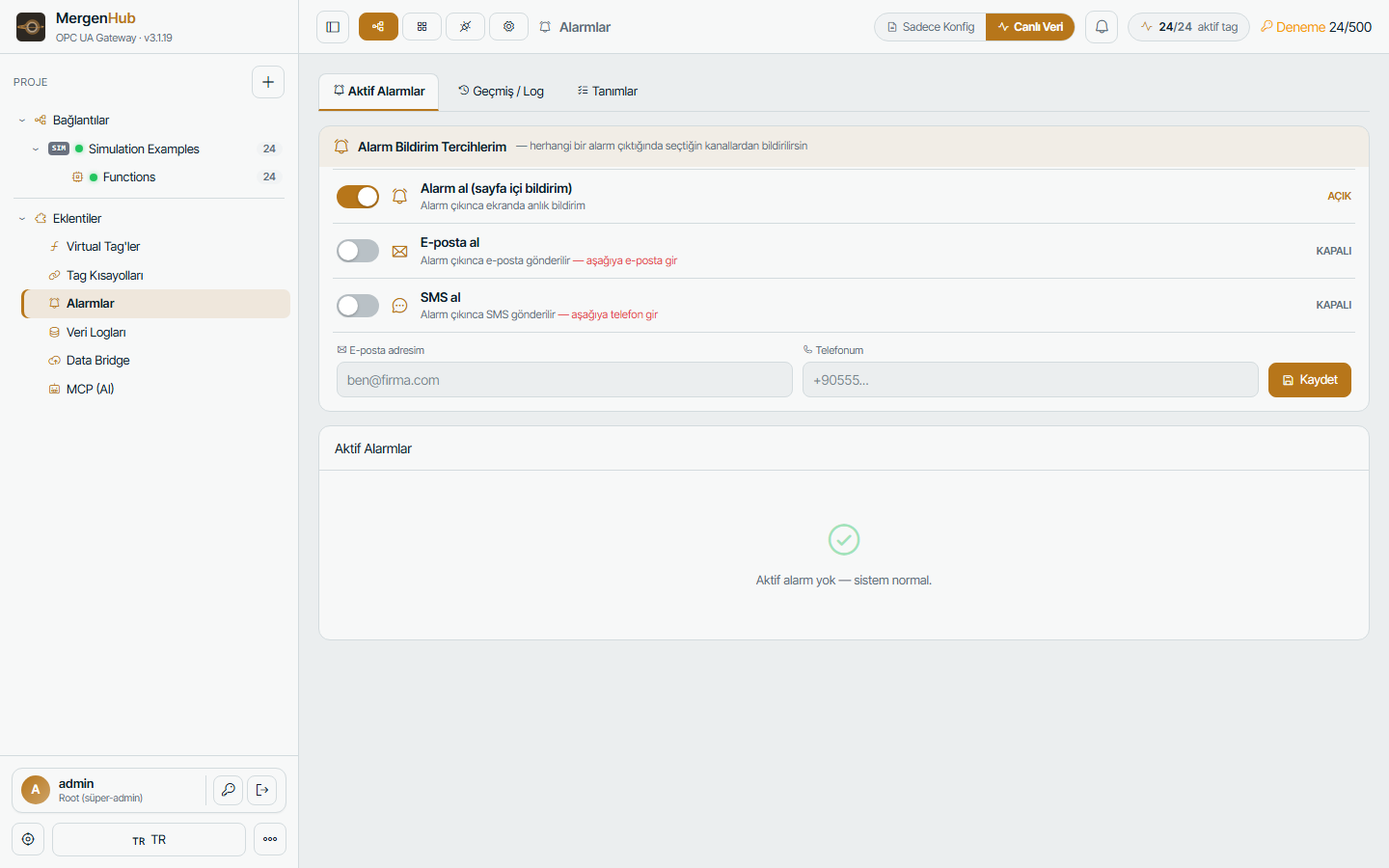
Defining an alarm
Extensions › Alarms › + Alarm:
| Field | Meaning |
|---|---|
| Source tag | the tag to evaluate (numeric or boolean) |
| Condition | > >= < <= == != a limit, between/outside a range, boolean true/false, rate of change, deviation from another tag, bad quality |
| Deadband | hysteresis so a value hovering around the limit does not flap |
| On delay / off delay | seconds the condition must persist before raising / clearing |
| Severity / priority | Low, Medium, High, Critical (1–1000 for OPC UA) |
| Area › Source | organisation like WinCC (plant › unit › equipment) for filtering |
| Message | text with placeholders {value} {limit} {tag} {unit} |
| Auto-acknowledge | clear without operator ack |
| Notifications | which groups/users get e-mail and/or SMS, with optional escalation delay |
Operator view
The Active tab lists raised alarms with colour by severity, time, value and an Acknowledge button (comment optional). The bell in the top bar shows the active count everywhere in the application; SCADA screens show alarm badges on bound objects and an alarm banner widget.
Notifications
- E-mail — SMTP settings in Settings › E-mail; templates per severity.
- SMS — pluggable providers (NetGSM and generic HTTP) in Settings › SMS.
- Per-user preferences — each user chooses which severities and areas they want by e-mail/SMS and quiet hours.
- Communication centre — test messages, templates, invitations and bulk messages (Settings › Communication).
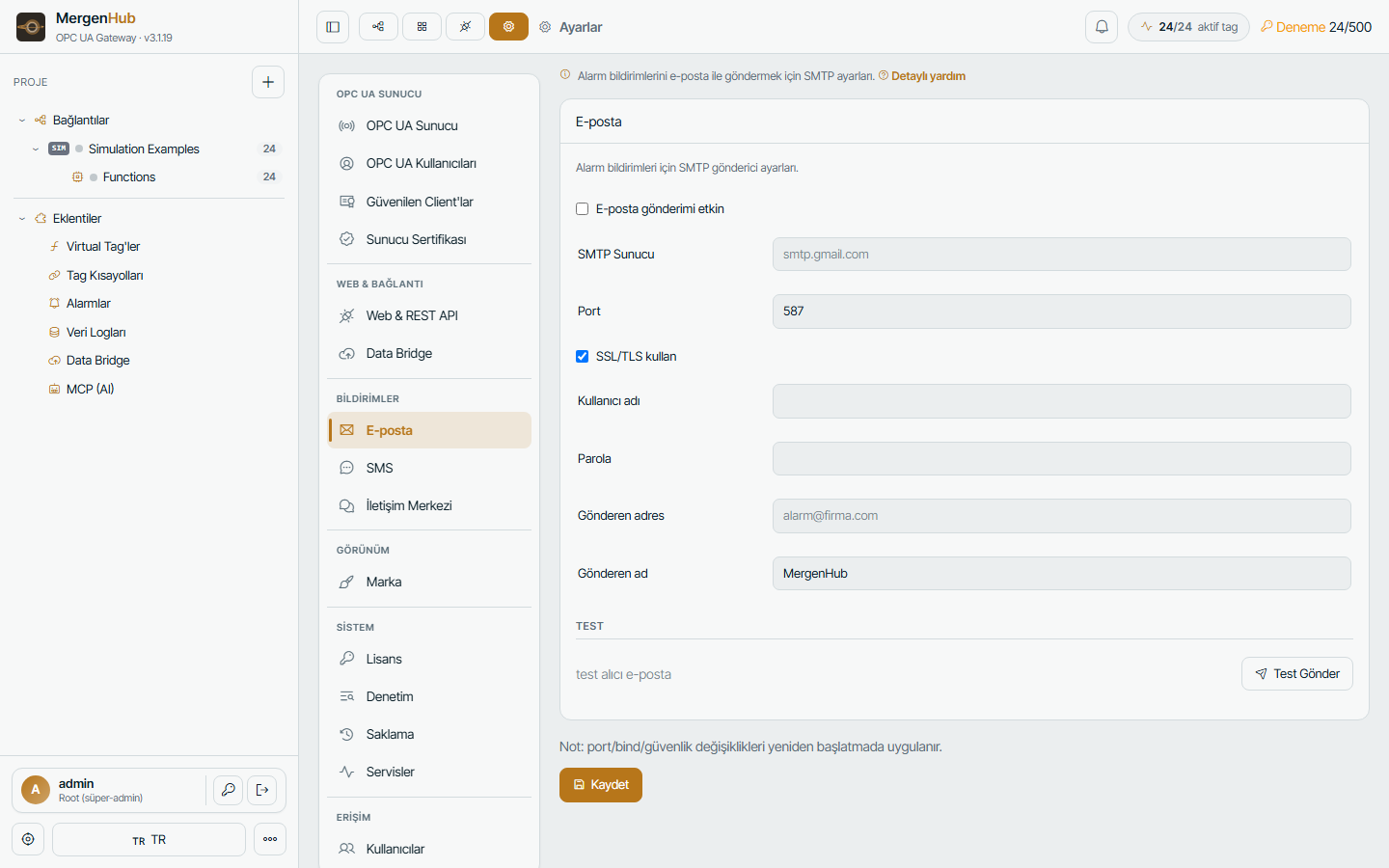
History
Every transition (raised, acknowledged, cleared, notification sent) is stored with timestamp, value, user and comment for the configured retention (default 90 days) and can be exported. See Logs.
OPC UA Alarms & Conditions
Enable Publish alarms over OPC UA in Settings › OPC UA Server. Each definition becomes an AlarmConditionType under _Alarms; UA clients receive events, refresh conditions and acknowledge. Acknowledgements from UA are audited with the UA user name.
Tips
- Use
_System._NoErroralarms per device to be notified about communication loss. - Combine bad quality conditions with an off delay to avoid alerts on short GSM dropouts.
- For KPI alarms create a virtual tag first and alarm on that.