 MergenHub
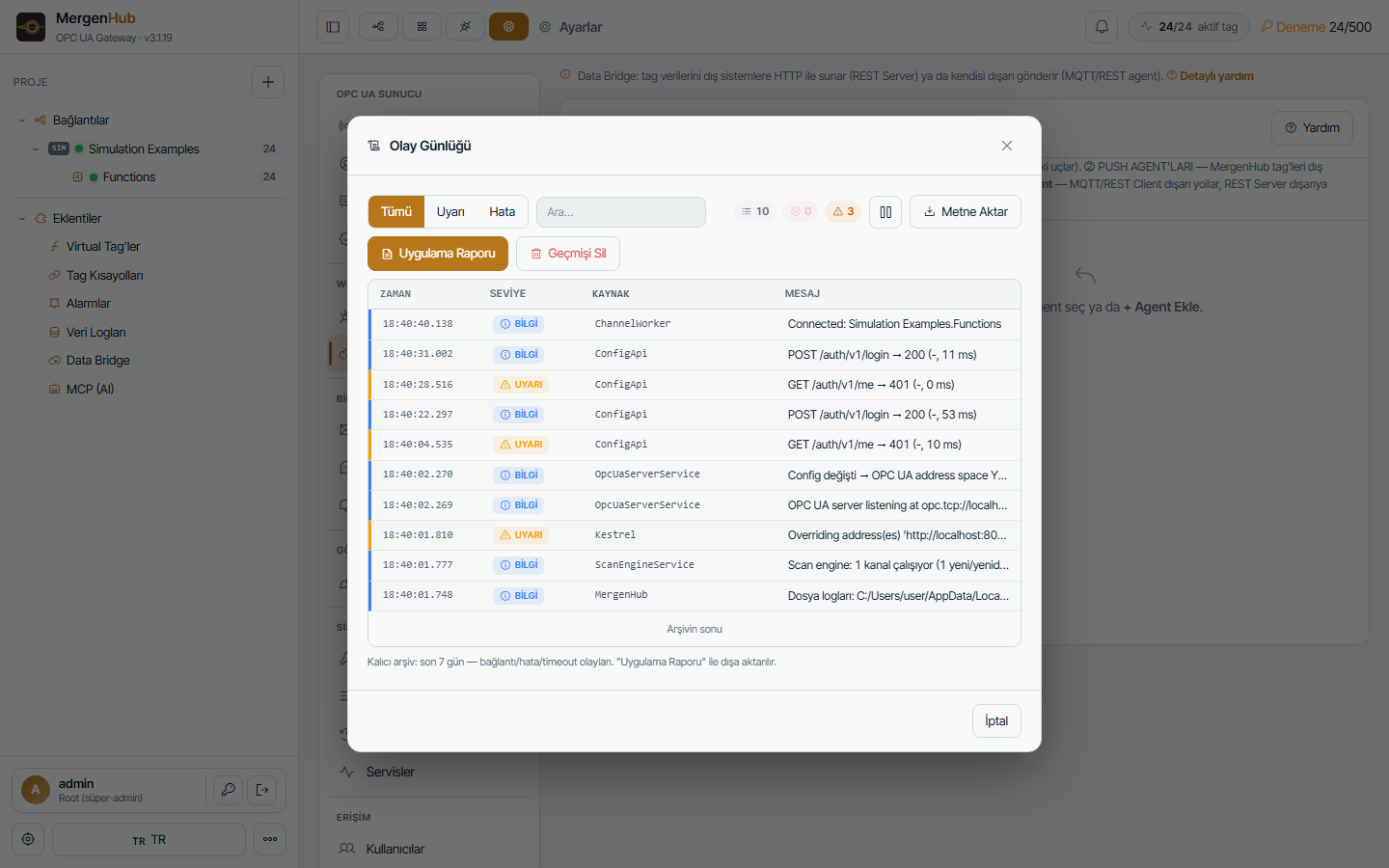
Start with the three places that answer most questions: the Event log (… › Event Log), the device's Diagnostics panel, and the day's file log under C:\ProgramData\MergenHub\logs. See Logs and diagnostics data.
Device shows Bad quality
| Check | Where |
|---|---|
| Is the device reachable? | ping, Test-NetConnection <ip> -Port 502 from the server |
| Right unit ID / rack-slot / addresses? | Device settings; the ? address hints |
| What does the device answer? | Device › Diagnostics: request/response hex, exception codes (Modbus 02 = illegal address, 03 = illegal value) |
| Too big a block? | Lower max block size on the Modbus device; some RTUs reset above 64 registers |
| Timeouts on GSM/radio? | Raise request timeout, lower retries, enable demand-driven scanning |
| Trial window expired? | Top bar shows TRIAL · expired — start a new window or enter a license (Licensing) |
OPC UA client cannot connect
- Endpoint URL must match an endpoint in Settings › OPC UA Server (host name and port).
- Certificate errors: trust the client in Settings › Trusted clients (or temporarily enable auto-accept); trust the server certificate in the client.
- Anonymous disabled → provide an OPC UA user.
- Port in use → the event log shows OPC UA server failed to start; change the port.
Web UI not reachable from other computers
Host is localhost (change to 0.0.0.0), firewall rule missing (Firewall), or a reverse proxy misconfigured (Publishing).
Service does not start
sc query MergenHub → STOPPED: check logs\mergenhub-YYYYMMDD.log for the exception at startup (usually a port conflict or a corrupt settings.json); Windows Event Viewer › Application › MergenHub. Reinstall over the existing installation to repair program files; data is kept.
After an upgrade OPC UA clients say the certificate is invalid
The server certificate was regenerated. Re-trust it in the client, or restore pki\own from backup and restart.
Alarms not sending e-mail / SMS
Settings › E-mail › Send test; check SMTP port/TLS and the user's notification preferences; SMS provider credentials in Settings › SMS. Failures are logged in the event log with the provider's response.
Historian not logging
The log group must be enabled and the historian service running (Settings › Services); check the target database connection; with ODBC verify the driver is 64-bit. Quality Bad values are stored only if the group allows it.
Performance
- High CPU: too many fast scan rates on serial links or expensive virtual tags; use on-change evaluation.
- High RAM: expected with hundreds of thousands of tags and many OPC UA subscribers; keep 8 GB+ for 100K tags.
- The dashboard's capacity banner and Settings › Services show CPU/RAM/disk.
Collecting information for support
- … › Event Log › Application Report (one file with version, settings summary, health and recent events)
logs\mergenhub-<today>.log- Device › Diagnostics trace for the affected device
- Send via the customer portal (Support) — licensed customers with maintenance get priority.