 MergenHub
MergenHub is a software-based industrial data acquisition platform and OPC UA aggregation server for Windows. It reads field devices over 11 industrial protocols, keeps every value in one live tag store, and publishes that data northbound as an OPC UA server, a REST API, a web SCADA/HMI, and outbound Data Bridge agents (MQTT / REST). Alarms, historian, virtual tags, users and audit are built in. One installer, three Windows services, no client software.
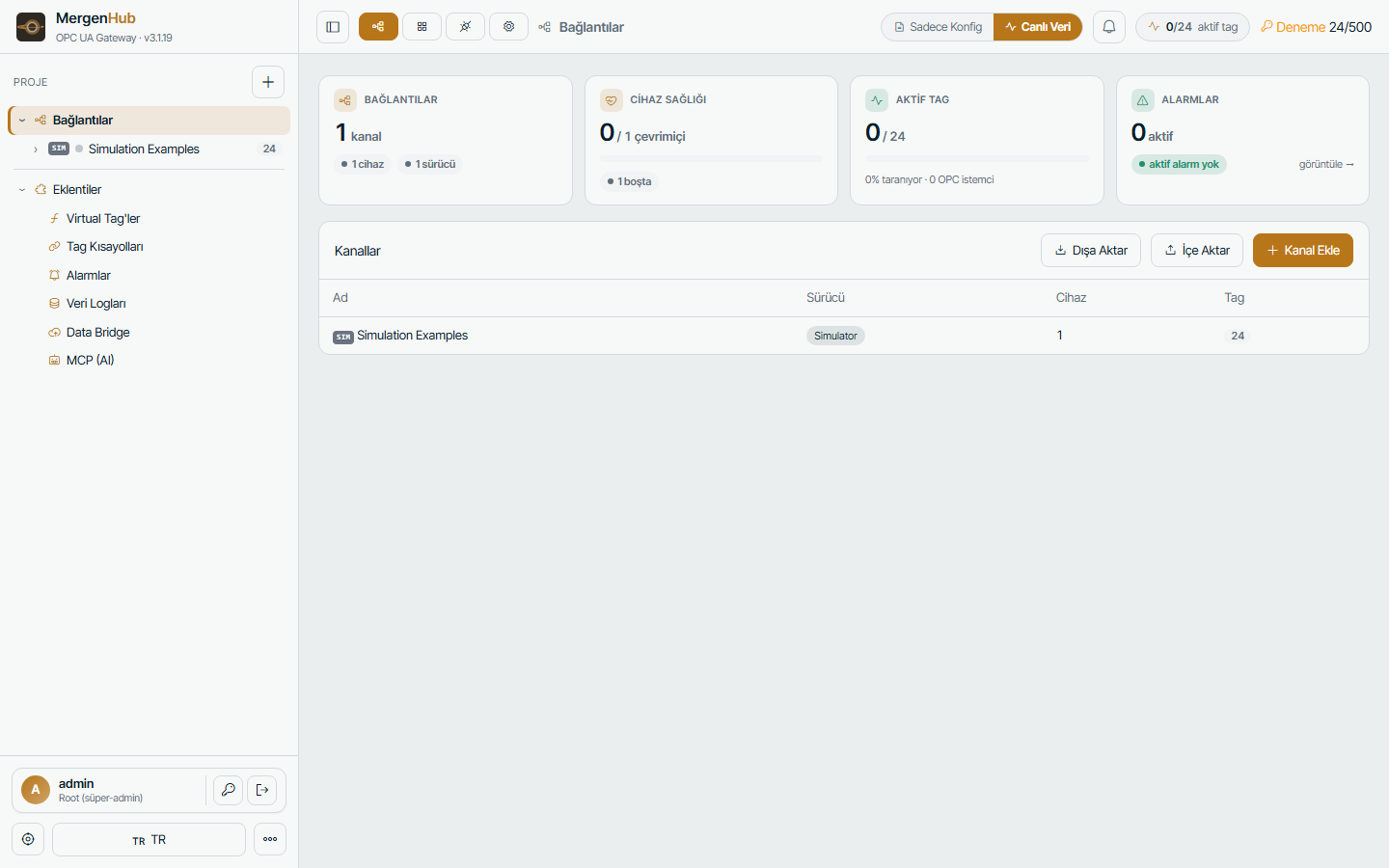
What you get in one installation
| Area | What it does |
|---|---|
| Drivers | Modbus TCP/RTU/ASCII, Siemens S7, OMRON FINS & NJ/NX CIP, DNP3, IEC 60870-5-104, IEC 61850 MMS, MQTT, OPC UA client, simulator |
| OPC UA server | All channels in one address space; multiple endpoints; security policies; certificates; per-user access; history access; alarms as UA conditions |
| REST API | Configuration and live values over HTTPS/JSON with session or token authentication; Swagger UI built in |
| Web SCADA / HMI | Browser editor with symbol libraries, pipes, flow animation, faceplates, templates; operator view for desktop and mobile |
| Alarms | ISA-18.2 lifecycle, conditions with deadband, e-mail and SMS, per-user notification preferences, history |
| Historian | SQLite or ODBC targets, log groups with triggers, store-and-forward, trends and CSV/Excel export |
| Data Bridge | REST server (Kepware-compatible), REST client and MQTT client agents that push data to clouds or third-party systems |
| Virtual tags | Expression engine: average, min/max, totalizer, derived, link, cumulative; function library |
| Security | Users, groups, roles, resource-level ACL, HTTPS, session policy, audit log |
| AI assistant | MCP server so AI assistants can query the plant with your permissions |
Architecture
  Southbound (field)                MergenHub core                     Northbound (consumers)
  ──────────────────                ──────────────                     ──────────────────────
  PLC / RTU / meters   ─Modbus─┐                                   ┌─  OPC UA clients (SCADA, MES, DCS)
  Substation IEDs      ─61850─ ┤   scan engine → live tag store    ├─  Web UI / SCADA / REST API
  RTUs                 ─104/DNP3┤   alarms · virtual tags · ACL     ├─  Data Bridge → MQTT / REST / cloud
  Sensors / gateways   ─MQTT──┘   historian · audit · HTTPS        └─  AI assistants (MCP)
Every driver writes into the same in-memory tag store. The OPC UA server, the REST API, the alarm engine, the historian, the SCADA screens and the Data Bridge all read the same live value at the same moment. Scanning is demand-driven: a device is only polled while something (an OPC UA subscription, an open screen, a log group, an alarm) actually needs its tags.
Project hierarchy
Channel → Device → Tag (and tag groups). A channel is one driver plus its transport settings (TCP port, serial port, broker). A device is one PLC/RTU/IED under that channel. Tags are the addresses you read or write. See Channels, devices and tags.
Windows services
| Service (SCM name) | Display name | Role |
|---|---|---|
MergenHub | MergenHub Runtime (OPC UA + Config API) | Core: scan engine, OPC UA server, REST API, web UI |
MergenHubDataBridge | MergenHub Data Bridge | MQTT/REST push and pull agents (separate process) |
MergenHubHistorian | MergenHub Historian | Tag history logging to SQLite/ODBC (separate process) |
The two auxiliary services depend on the core and are restarted automatically by Windows if they stop. A system tray application (MergenHub.Tray.exe) starts at logon for quick status, restart and shortcuts. Details: Windows services and the tray app.
Where things live on disk
| Path | Content |
|---|---|
C:\Program Files\MergenHub\ | Program files (replaced on upgrade) |
C:\ProgramData\MergenHub\ | All data: project, users, settings, license, certificates, logs (kept on upgrade and uninstall) |
…\MergenHub\settings.json | Server settings (ports, HTTPS, OPC UA, licensing, retention) |
…\MergenHub\projects\ | The project (channels, devices, tags, alarms, log groups) |
…\MergenHub\scada.json | SCADA screens and zones |
…\MergenHub\mergenhub.db | Users, groups, roles, sessions |
…\MergenHub\events.db, audit.db, logs.db | Event log, audit log, historian (see Logs) |
…\MergenHub\pki\, webpki\ | OPC UA certificates, HTTPS certificate |
…\MergenHub\license\ | License document and machine key |
C:\ProgramData\MergenHub and you have everything. See Backup, restore, upgrade, uninstall.Default ports
| Purpose | Default |
|---|---|
| Web UI / REST API | 8090 (HTTP) — or the HTTPS port (default 443) when HTTPS is enabled |
| OPC UA server | 48010 — opc.tcp://<host>:48010/MergenHub |
Both can be changed in the installer or later in Settings › OPC UA Server / Web & REST API. See Windows Firewall and ports.
Editions and limits
Every feature is available in every package; packages differ only by the number of tags. An unlicensed installation runs in trial mode (500 tags, a 2-hour runtime window per start). See Licensing and trial mode.