 MergenHub
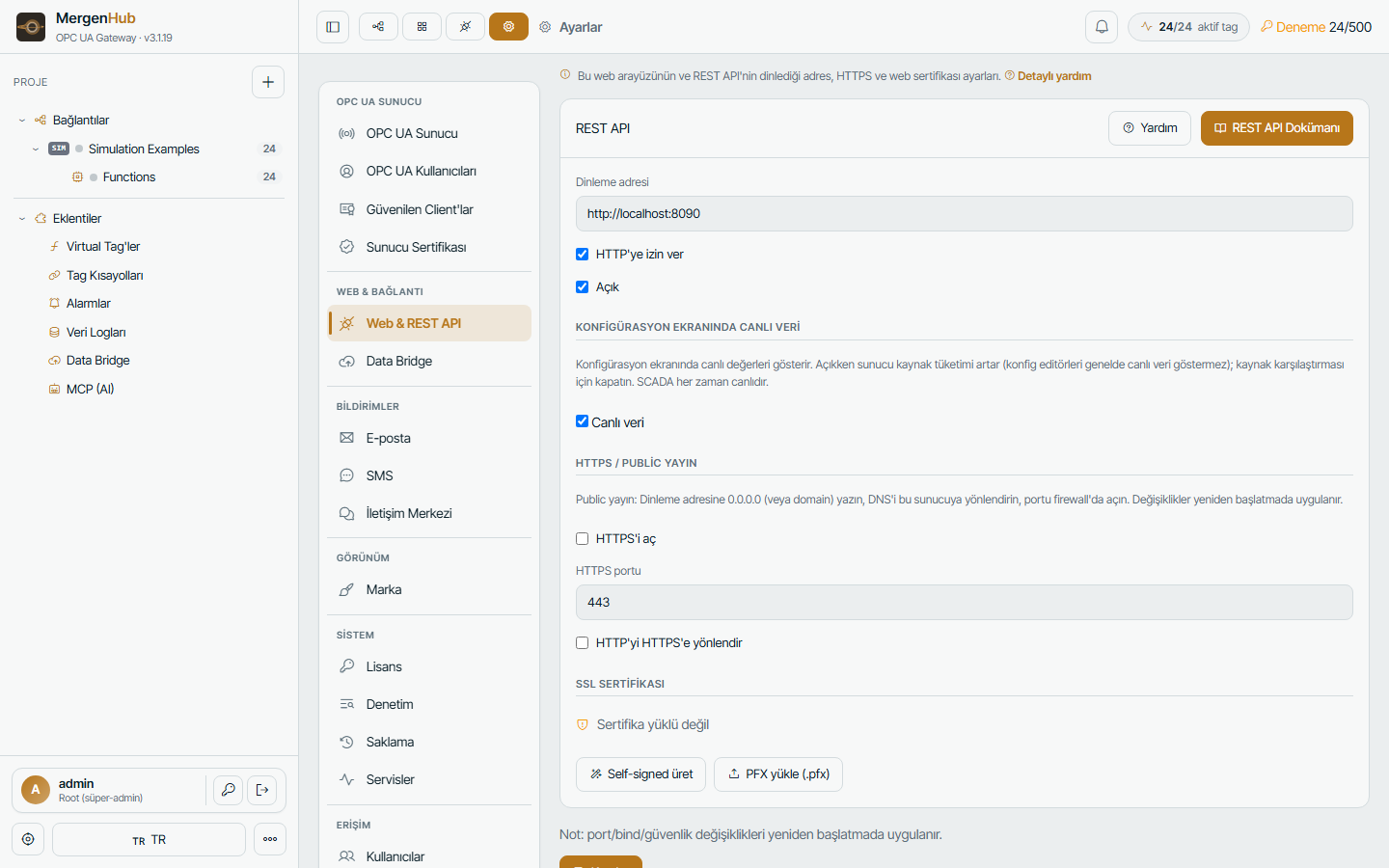
Everything the web UI does goes through the same REST API, so anything you can click you can script. The API is JSON over HTTP(S) on the web port (default 8090) and documented live in the application (… › REST API, Swagger UI).
Authentication
Two ways:
- Session cookie —
POST /auth/v1/loginwith{"username":"…","password":"…"}returns a cookie; send it with every request. Sessions follow the security policy (idle timeout, single/multi login). - API token — create a token for a user in Settings › API tokens and send
Authorization: Bearer <token>. Tokens carry the user's role and resource ACL; revoke them any time.
curl -c c.txt -X POST https://scada.example.com/auth/v1/login \
     -H "Content-Type: application/json" -d '{"username":"apiuser","password":"••••"}'
Main endpoint groups
| Group | Examples | Purpose |
|---|---|---|
/auth/v1/* | login, me, logout, forgot | authentication |
/config/v1/project/* | channels, channels/{ch}/devices, …/tags (GET/POST/PUT/DELETE) | project configuration, same model as the JSON export |
/config/v1/settings | GET/PUT | server settings |
/config/v1/license/* | activate, refresh, release, update-check | licensing |
/config/v1/scada/* | screens, library, symbols | SCADA screens |
/config/v1/advanced, /aliases, /alarms, /logger | CRUD | extensions |
/runtime/v1/values?tags=A.B.C,… | GET | live values with quality and timestamps |
/runtime/v1/write | POST {"tag":"A.B.C","value":42} | write to a device (audited) |
/runtime/v1/status, /metrics, /services/* | GET/POST | health, CPU/RAM, service control |
/runtime/v1/events, /audit | GET | event and audit logs |
/logger/v1/history?tag=…&from=…&to=… | GET | historian data |
/iotgateway/* | GET/POST | Kepware-compatible Data Bridge REST server (see Data Bridge) |
Configuration writes return 409 on version conflicts (someone else changed the project), 402 when the license tag limit would be exceeded, 403 when the resource ACL denies access.
Examples
Read three tags:
curl -b c.txt "http://localhost:8090/runtime/v1/values?tags=Plant.PLC1.Flow,Plant.PLC1.Pressure,Plant.PLC1.Pump1_Run"[{"tag":"Plant.PLC1.Flow","value":412.6,"quality":"Good","ts":"2026-09-05T10:20:41.008Z"}, …]Write a setpoint:
curl -b c.txt -X POST http://localhost:8090/runtime/v1/write \
     -H "Content-Type: application/json" -d '{"tag":"Plant.PLC1.Setpoint","value":55}'
Create a device with tags in one call:
curl -b c.txt -X POST http://localhost:8090/config/v1/project/channels/Plant/devices \
     -H "Content-Type: application/json" \
     -d '{"name":"PLC2","idString":"10.0.0.6:502","unitId":1,"scanRateMs":1000,
          "tags":[{"name":"Flow","address":"40001","dataType":"Float"},{"name":"Run","address":"00001","dataType":"Boolean","readWrite":"RW"}]}'
Export / import the whole project:
curl -b c.txt http://localhost:8090/config/v1/project/export -o project.json
curl -b c.txt -X POST http://localhost:8090/config/v1/project/import?mode=merge -H "Content-Type: application/json" --data-binary @project.json
Rate limits and safety
- Login attempts are rate-limited (429 after repeated failures).
- Every mutating call is written to the audit log with user, IP and payload summary.
- Live-value reads are cheap (in-memory); avoid polling faster than the device scan rate — subscribe over OPC UA or MQTT instead for high-rate data.
Swagger / OpenAPI
Open … › REST API in the application for the interactive OpenAPI document (login required). It lists every route with schemas and lets you try calls with your session.