 MergenHub
MergenHub ships as a single Windows installer, MergenHub-Setup-<version>.exe. The package is self-contained: nothing else (no .NET runtime, no database server) has to be installed on the target machine.
Requirements
| Minimum | Recommended | |
|---|---|---|
| Operating system | Windows 10 / 11, Windows Server 2016+ (64-bit) | Windows Server 2019+ |
| CPU | 2 cores | 4 cores for 50K+ tags |
| RAM | 4 GB | 8 GB for 100K+ tags |
| Disk | 2 GB free | SSD; historian growth depends on log groups |
| Rights | Local administrator for installation | — |
| Network | TCP access to devices; open ports for clients (see Firewall) | — |
Browsers: current Chrome, Edge, Firefox or Safari for the web UI. No client installation is needed on operator PCs.
Running the setup wizard
Run the installer as an administrator. Every page has sensible defaults; you can click Next through all of them.
- License agreement and trial notice — the installer explains trial mode (500 tags, 2-hour runtime window) and that entering a license key later removes the limits without reinstalling.
- Server address and ports
- Host / Domain —
localhostfor local use only;0.0.0.0to listen on all interfaces (LAN access); a machine name or a real domain when publishing on the internet. - Web UI / REST API port — default
8090. - OPC UA port — default
48010.
- Host / Domain —
- Administrator account — the user name is fixed:
admin.- Enter a password now, or leave it empty to start with
admin / adminand be forced to change it at first login. - Generate strong password creates a 16-character password for you.
- When the host is anything other than
localhost, a strong password is mandatory (10+ characters, three of: upper, lower, digit, symbol). The installer will not open the server to the network with a weak password.
- Enter a password now, or leave it empty to start with
- Clean install (off by default) — when ticked, everything under
C:\ProgramData\MergenHub(project, users, settings, logs) is deleted and you start with an empty project. Leave it off to upgrade in place. - OPC UA server security — both options are on by default for an easy first connection: Allow anonymous and Auto-accept untrusted client certificates. Restrict them in Settings › OPC UA Server before going to production.
- HTTPS / web security
- HTTP only (default; fine for local and test use)
- HTTPS with a self-signed certificate generated during setup (browsers warn once)
- HTTPS with your own PFX certificate (path and password are asked)
- The HTTPS port (default
443) is asked when HTTPS is chosen.
- Domain and DNS check — appears only when a real domain was entered. It resolves the domain and compares it with the machine's public IP so you know whether the A record already points here.
- Service startup behaviour — start at boot (default) and automatic crash recovery with a configurable delay.
At the end the installer:
- writes
settings.jsonandappsettings.Production.json(data root), createsC:\ProgramData\MergenHub, - generates the OPC UA server certificate and, if chosen, the HTTPS certificate,
- adds Windows Firewall rules for the web, OPC UA and (if enabled) HTTPS ports,
- registers and starts the three Windows services,
- installs the system-tray manager for all users and opens the web UI.
First login
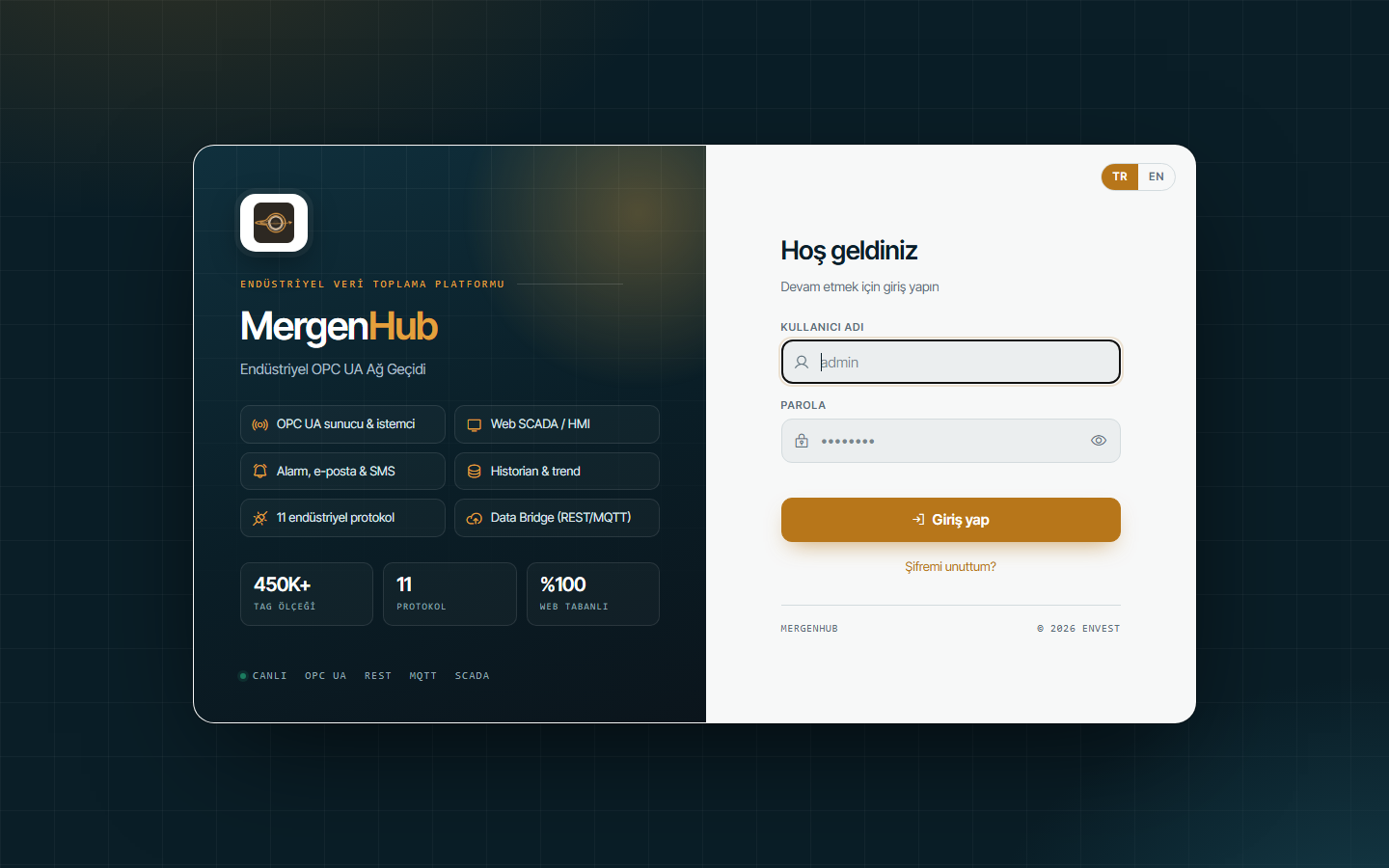
Open http://localhost:8090 (or the address you configured). Sign in with admin and the password you chose. If you left the password empty, you sign in with admin / admin and are asked to set a new password immediately.
Continue with Quick start: first live data.
Upgrading an existing installation
Run the new installer over the old one. It detects the existing installation, stops the services, replaces the program files and keeps everything under C:\ProgramData\MergenHub: project, users, settings, certificates, license and history. Old service names from early versions (MergenHubIoTGateway, MergenHubDataLogger) are removed and re-registered under the new names automatically.
Clean install
Tick Clean install in the wizard when you want to discard an old project on a machine that was used for tests. This is irreversible; export the project first if there is anything worth keeping (Connectivity › Export).
Silent / unattended installation
The installer is built with Inno Setup and accepts the standard switches:
MergenHub-Setup-3.1.19.exe /VERYSILENT /SUPPRESSMSGBOXES /NORESTART /LOG="C:\Temp\mh-setup.log"Wizard values fall back to the defaults (localhost, 8090, 48010, admin/admin with forced change). For a scripted deployment prepare C:\ProgramData\MergenHub\settings.json beforehand; the installer keeps an existing file.
Installation log
%TEMP%\MergenHub-Setup.log records every step, including service registration and firewall commands. Attach it to a support request if setup fails.