 MergenHub
The historian records tag values into a database and serves trends, exports and OPC UA HistoryRead. It runs as its own service (MergenHubHistorian) and reads live values from the core over the local API.
Targets
| Target | When to use |
|---|---|
SQLite (logs.db, default) | single server, up to a few hundred million rows; zero setup |
| ODBC | SQL Server, MySQL/MariaDB, PostgreSQL, Oracle — corporate databases, reporting tools, long retention |
Settings › Historian (or the log group) holds the connection; the Browse button discovers SQL Server instances on the network, lists databases and can create the table for you.
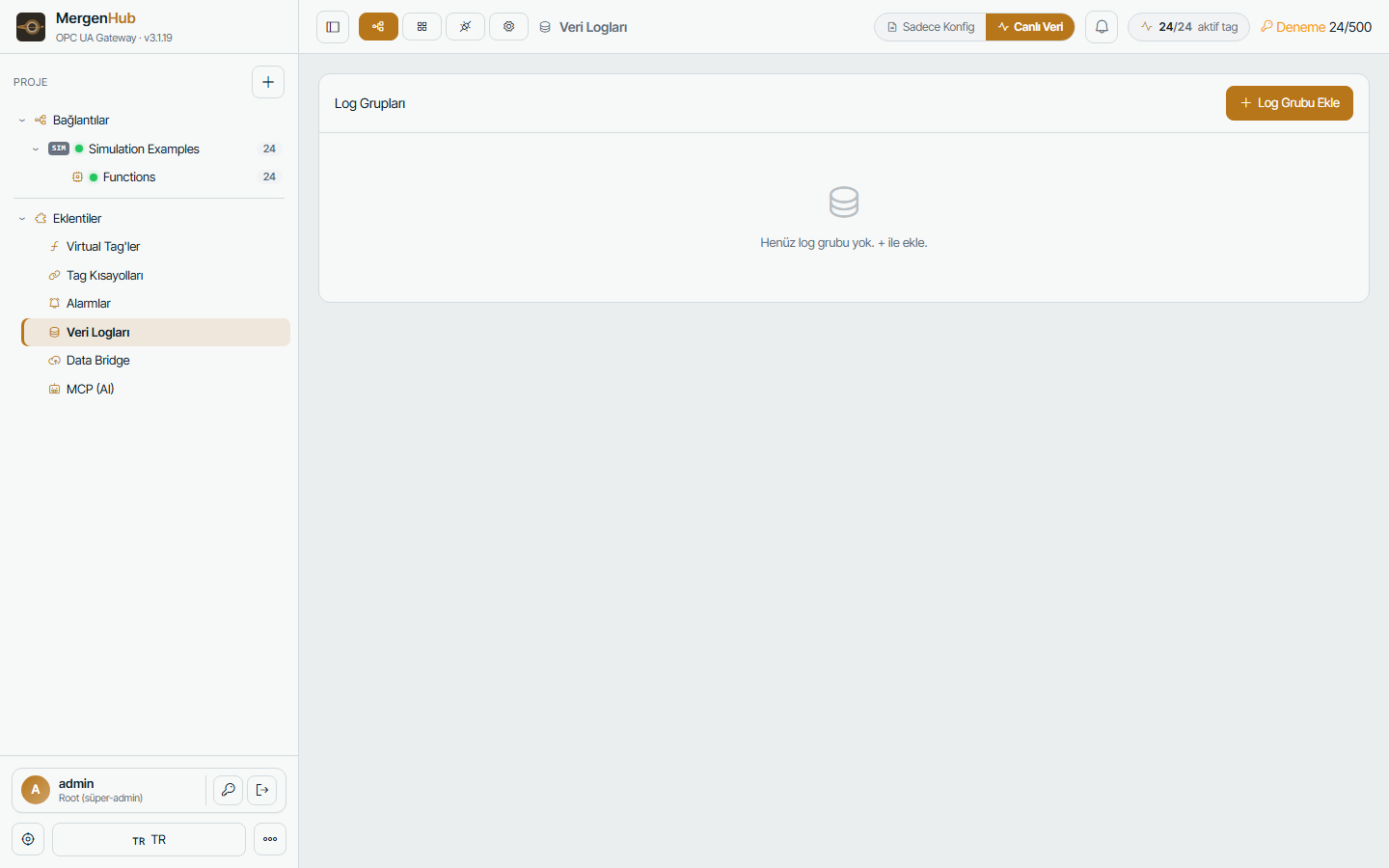
Log groups
A log group is a set of tags with one storage rule:
- Trigger — periodic (every N ms), on change (with deadband), on a trigger tag edge, or a time window (e.g. 06:00–22:00). Advanced latched triggers match Kepware's behaviour.
- Table format — narrow (one row per tag sample) or wide (one column per tag), with selectable column mapping.
- Table mode — single table, table per day/month, or fixed table with automatic creation.
- Batch size / flush interval — tune for the database.
Store-and-forward
When the target is unreachable the historian buffers samples on disk and writes them when the connection returns; nothing is lost during database maintenance or network outages.
Trends and export
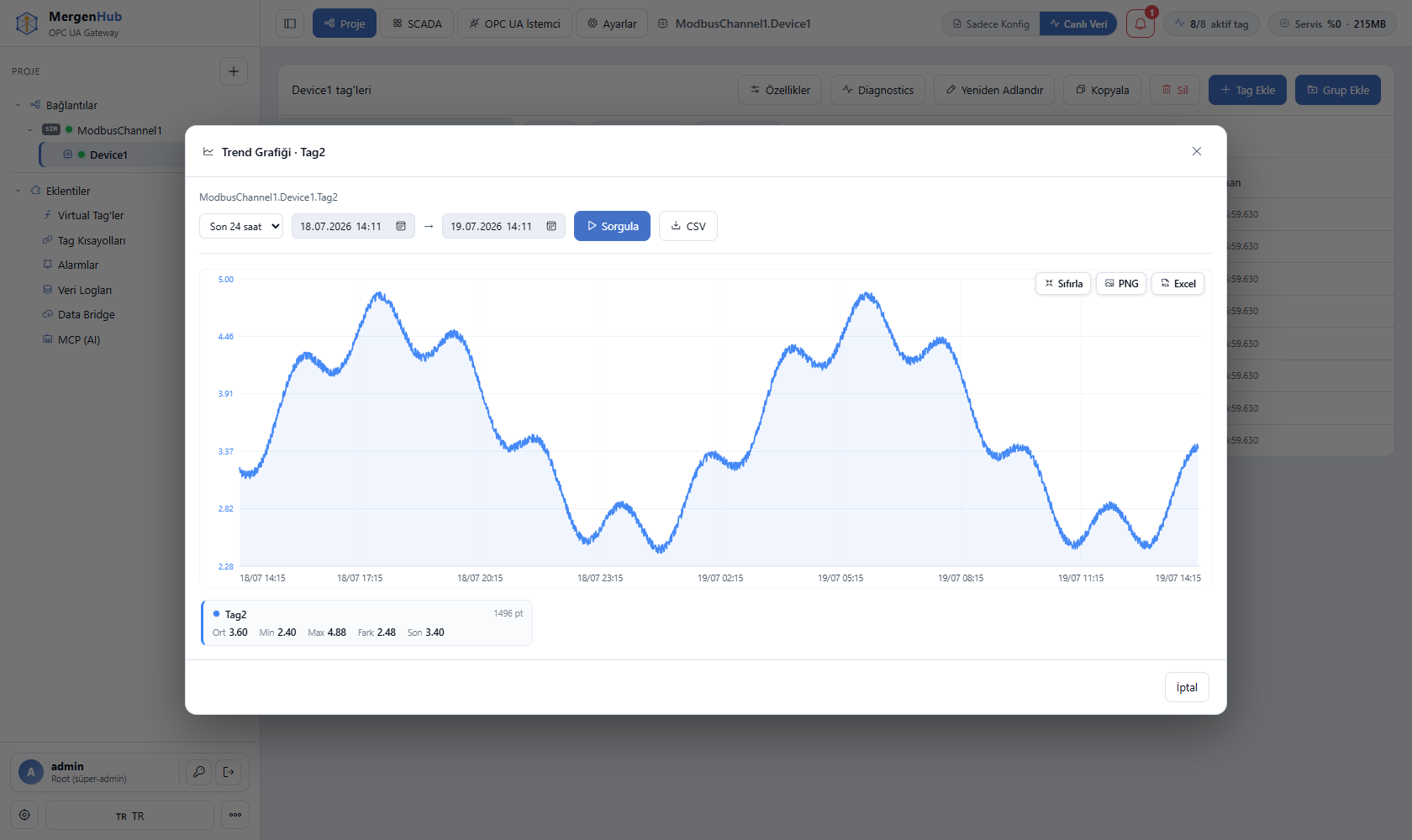
Historian › Trend: pick tags and a time range, zoom, pan, compare, then export as CSV, Excel or PNG. Downsampling (averages/min/max per bucket) keeps long ranges fast.
OPC UA HistoryRead
Tags inside a log group answer HistoryRead requests (raw values and processed aggregates such as average/min/max/interpolative) so UA clients can chart history without direct database access.
Sizing
Narrow SQLite storage costs about 40–60 bytes per sample. 1,000 tags every 10 s ≈ 8.6 M samples/day ≈ 0.4–0.5 GB/day. Use on-change logging with deadbands for slowly moving values, and an ODBC database for multi-year retention.