 MergenHub
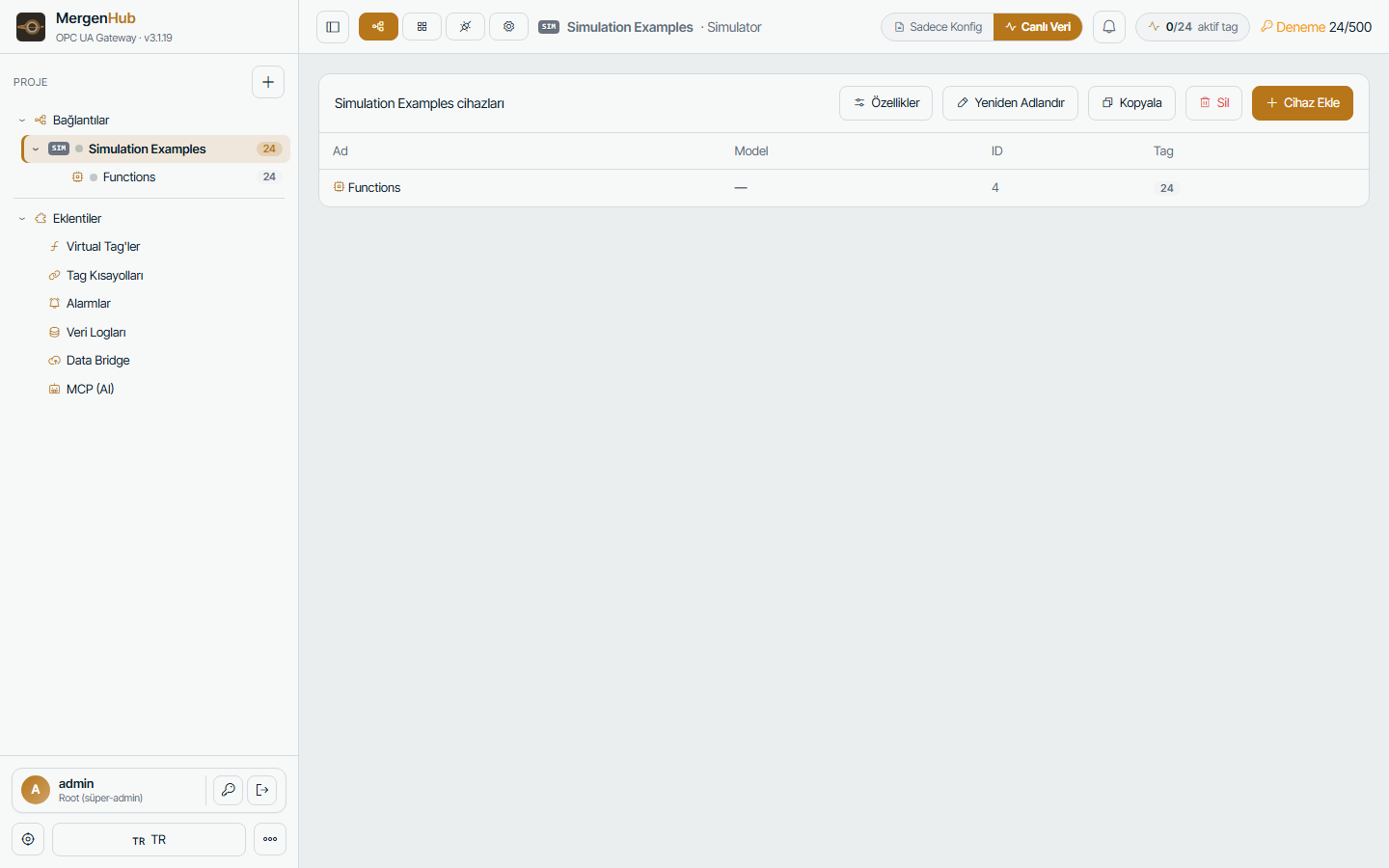
The project is a three-level tree: channel → device → tag. Everything else (alarms, log groups, virtual tags, screens) refers to tags by their full path Channel.Device.Tag.
Channels
A channel is one driver instance with its transport settings. Create one per physical connection:
| Driver family | One channel per… |
|---|---|
| Modbus TCP, S7, OMRON, DNP3, IEC 104, IEC 61850, OPC UA client | network segment or group of devices you want isolated |
| Modbus RTU/ASCII | serial port (COM1, COM2 …) or Ethernet-encapsulation gateway |
| MQTT | broker connection |
| Simulator | as many as you like |
Channel settings include network adapter binding, connection/request timeouts, retry count, inter-request delay and the driver-specific options (e.g. Modbus block size, S7 PDU size). Channels are isolated: a device that stops answering never slows down devices on another channel.
Devices
A device is one PLC, RTU, IED, meter or broker topic set. Key settings:
- ID / address — IP:port and unit ID (Modbus), IP + rack/slot (S7), IED address (61850), station addresses (DNP3/104), topic root (MQTT).
- Scan rate — how often the device is polled (ms). Tags inherit it unless they override.
- Scan mode — respect client rate (OPC UA subscribers can request faster/slower), fixed, or client-driven.
- Timeouts and retries — after the configured failures the device is marked Bad and retried with back-off; it recovers automatically.
- Demand-driven scanning — a device is polled only while some consumer needs its tags; idle devices are left alone (saves bandwidth on GSM/radio links).
- Diagnostics — hex request/response trace, counters, last error.
- Copy — duplicates a device with all tags (addresses can be shifted).
Tags
A tag maps an address in the device to a typed value:
| Field | Meaning |
|---|---|
| Name | unique inside the device; used in OPC UA node ids and REST paths |
| Address | driver-specific (40001, DB10.DBD24, D100, ns=2;s=…, AI:3, IOA 1001, LD0/MMXU1.TotW.mag.f, plant/line1/temp) — the ? shows the formats |
| Data type | Boolean, Byte, Short, Word, Long, DWord, LLong, QWord, Float, Double, String, Date, BCD/LBCD, arrays where the driver supports them |
| Read/Write | read-only or read/write (writes go to the device immediately and are audited) |
| Scaling | linear or square-root scaling with raw/scaled ranges and clamping; writes are un-scaled |
| Scan rate | optional override of the device rate |
| Description / unit | shown in OPC UA (Description, EngineeringUnits) and the UI |
Tag groups organise large devices into folders and appear as OPC UA folders.
Creating many tags at once
- Generate tags — from an address range (start, count, step, naming pattern).
- Online browse — reads the tag list from the device: OPC UA servers, IEC 61850 (SCL/ICD import or live GVA walk), DNP3 integrity poll, IEC 104 general interrogation, OMRON NJ/NX symbols, MQTT topic discovery with JSON pointers.
- Import — Kepware or MergenHub JSON exports; CSV via the tag table's import button.
Quality and timestamps
Every value carries an OPC quality: Good, Bad (device unreachable, error, or trial window expired), Uncertain (stale/cached). Both the source timestamp (device time when available) and the server timestamp are kept and exposed over OPC UA.
Aliases
Extensions › Aliases let you publish a tag under a second, friendlier name (for example Plant.Intake.Flow instead of Modbus_1.RTU_3.AI_40011). Aliases appear in OPC UA and REST like normal tags.
System tags
Each device has _System tags (_Error, _NoError, _LastRead, _SuccessfulReads, _Enabled …) that report communication health and can be logged or alarmed like any tag. _Enabled can be written to pause a device.