 MergenHub
 Data Logger — plant history and trends
The historian that records how data evolves over time. It writes to a local file or an enterprise database and prevents data loss during outages with store-and-forward.
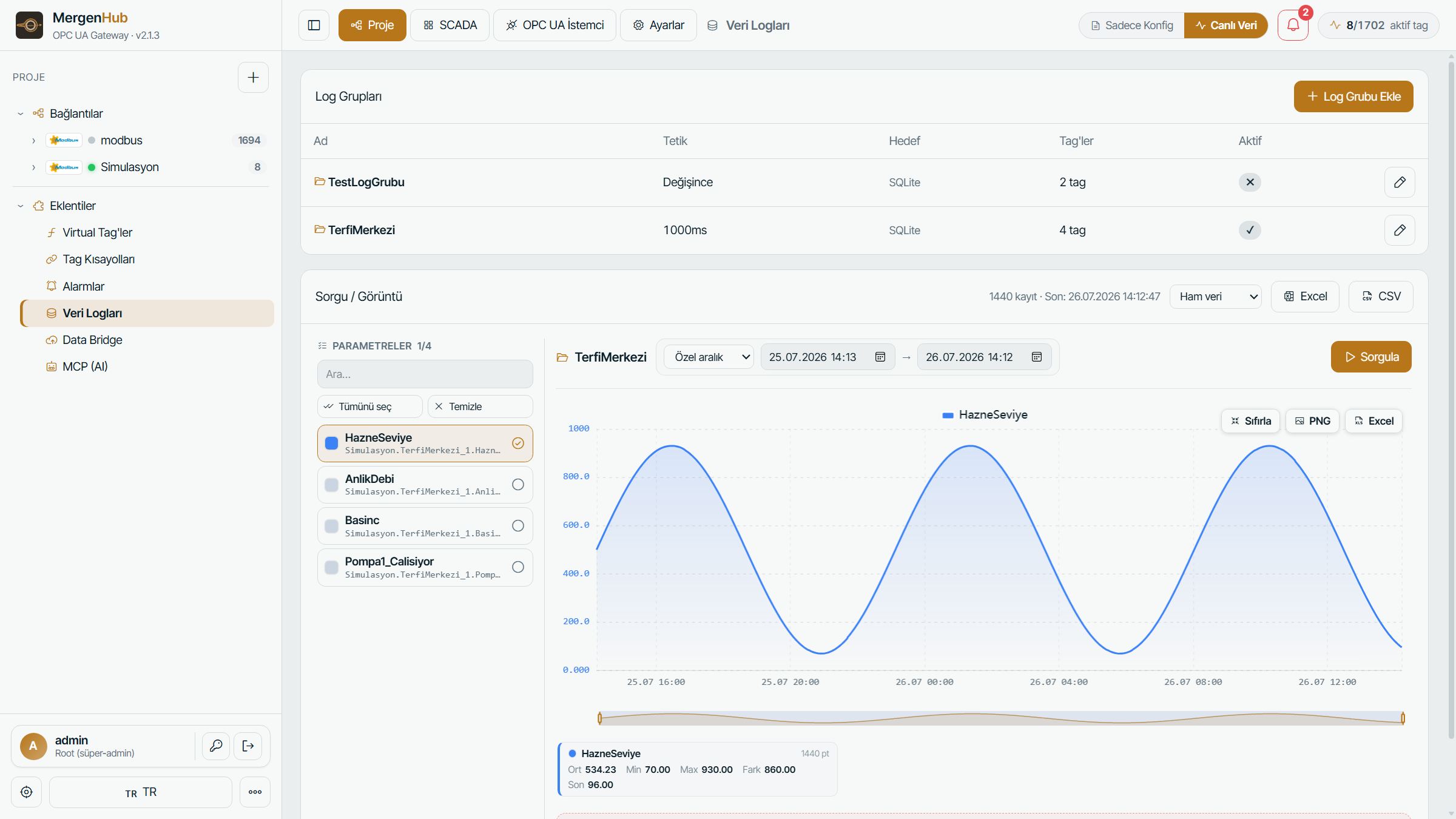
The MergenHub interface — the module's live view, running in the browser.
What it does
Data Logger records the values of selected tags periodically or on change. It offers an install-free historian with local SQLite, or writing into your existing enterprise database over ODBC. Logged data is displayed in trend charts and exported.
Key features
Store-and-forward buffers data when the connection drops and writes it when it returns. Downsampling controls data volume over long intervals. Export to PNG/Excel/CSV from the trend screen.
Core capabilities
SQLite / ODBC
Install-free embedded SQLite or an enterprise ODBC database (three DB engines) as targets.
Store-and-forward
When the connection drops, data is held locally and forwarded automatically when the target returns — no loss.
Downsampling
Sample thinning over long intervals to manage data volume and disk usage.
Trend charts
Multi-tag trend charts over historian data with zoom and time-range selection.
CSV / Excel / PNG
Export trend data as CSV, Excel or PNG for reporting.
Periodic / on change
Log on time interval or on value change; per-tag configuration.